Questions and answers
Setting up your activities? Learn how to create categories and subcategories.
How is ChronoTrack different from other time trackers?
Most time trackers ask you to start and stop timers, or to log what you did after the fact. ChronoTrack asks you instead: every few minutes it checks in, and you answer with a tap. The goal is not minute-by-minute accuracy. It is awareness: an honest sense of where your days actually go.
What does a check-in record?
A check-in answers "what have you been doing since the last check-in?" When a reminder comes at 10:00 and you tap "Work", ChronoTrack records Work from your previous check-in until 10:00. You never start or stop anything. Each answer covers the stretch of time just behind you.
What if I don't remember what I did?
Tap “Skip — mark as untracked” on the Log screen. This records the time since your last check-in as Untracked.
What if it's been four hours, but I only remember the last 30 minutes?
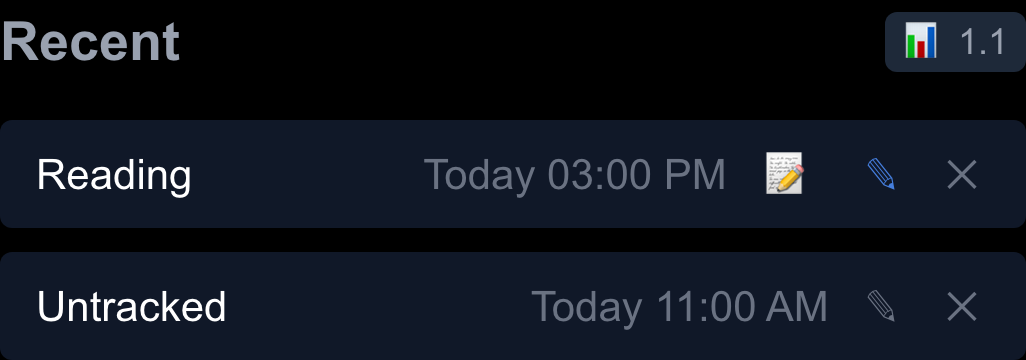
Log the activity you remember. In Recent on the Log screen, tap the pencil beside that entry and enter 30 when prompted. The earlier 3 hours and 30 minutes will be marked as Untracked.
What does "Untracked" mean?
It's an activity every account has from the start, for time you can't account for. It records that you don't know what happened, rather than making something up. Untracked time is left out of your Insights, so it never counts as an activity of its own. It does show up in History as untracked time, so you can see how much of your day got recorded.